Devtools
nuxt-mock-server provides a set of devtools to help you manage your mocks and presets.
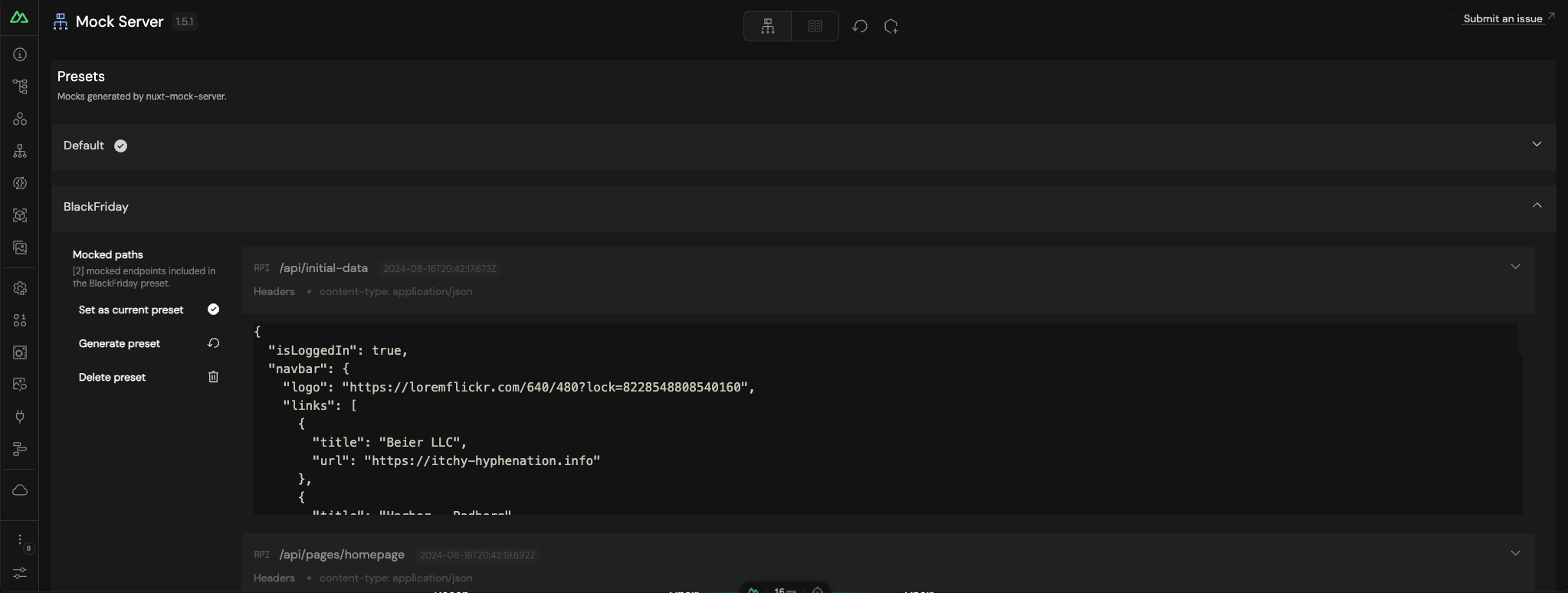
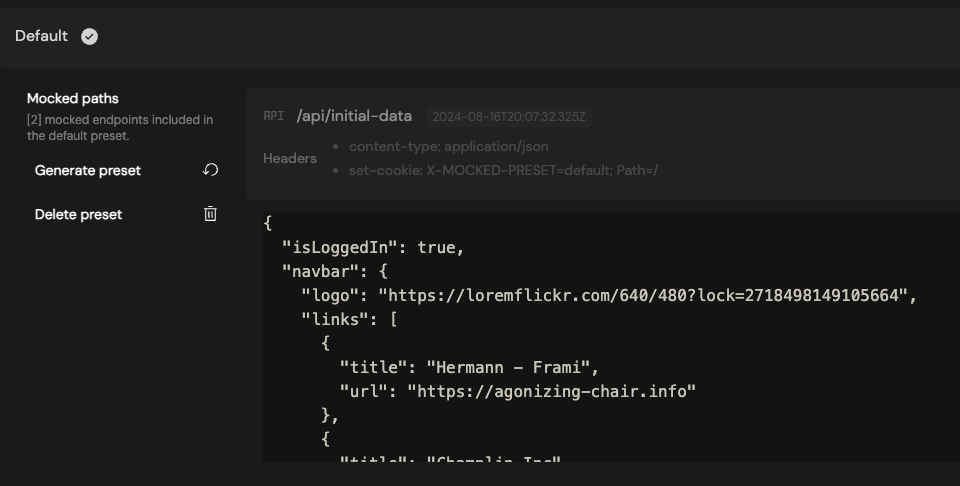
Creating a new preset
To create a new preset, click on the + button on the top center of the presets section.
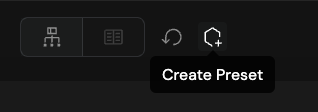
After giving the preset a name and confirming, the new preset will be created.
Deleting a preset
To delete a preset, click on the trash icon on the preset you want to delete.
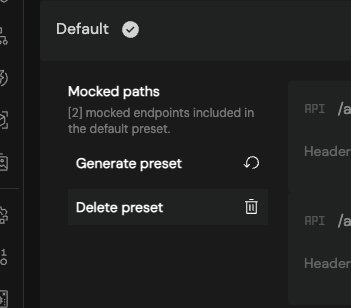
The preset will be deleted and a new preset will be automatically selected. If it's the last preset, the default preset will be created.
Generating a preset
To generate a preset, click on the Generate button of the pretended preset.
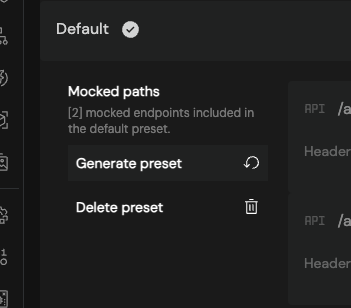
The preset will be generated and automatically selected as current.